Public Submissions
Let’s assume that you want to make your latest submission public in William Challenge.
Go to
My SubmissionsTab of the challenge page, select the phase and scroll horizontally.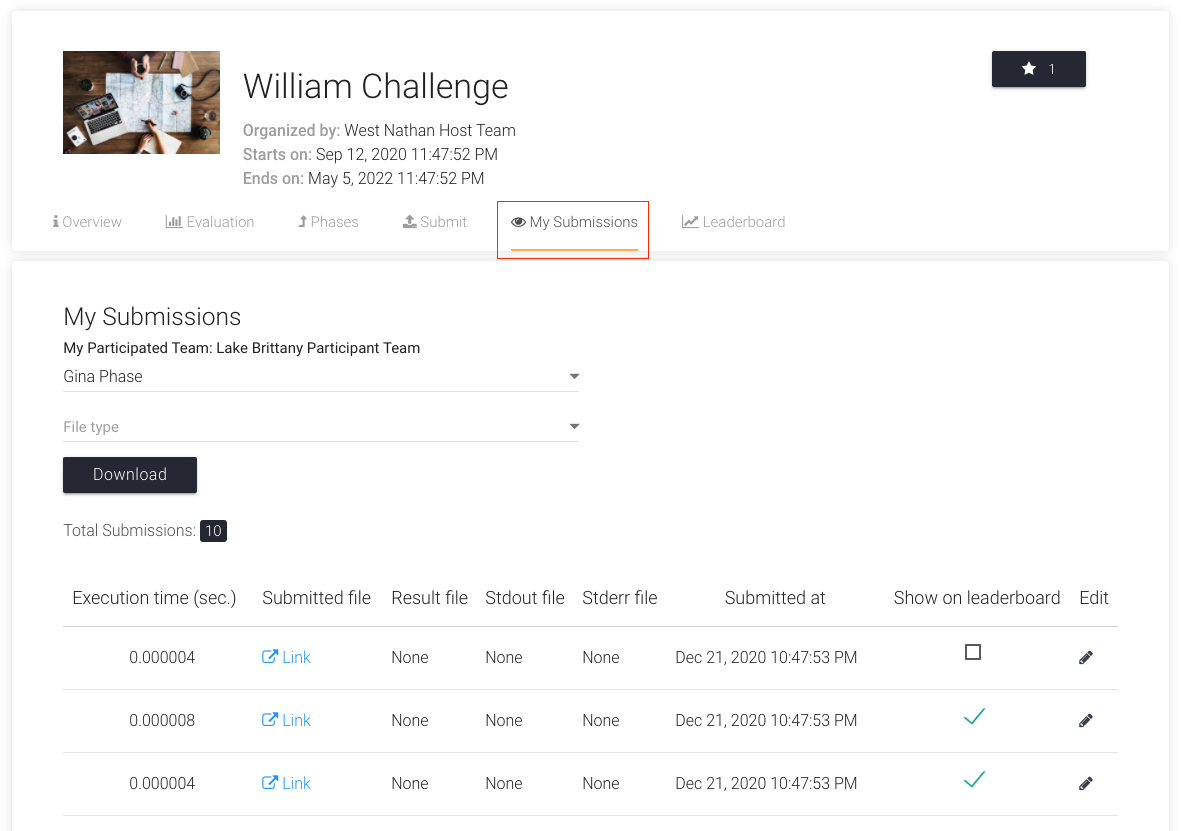
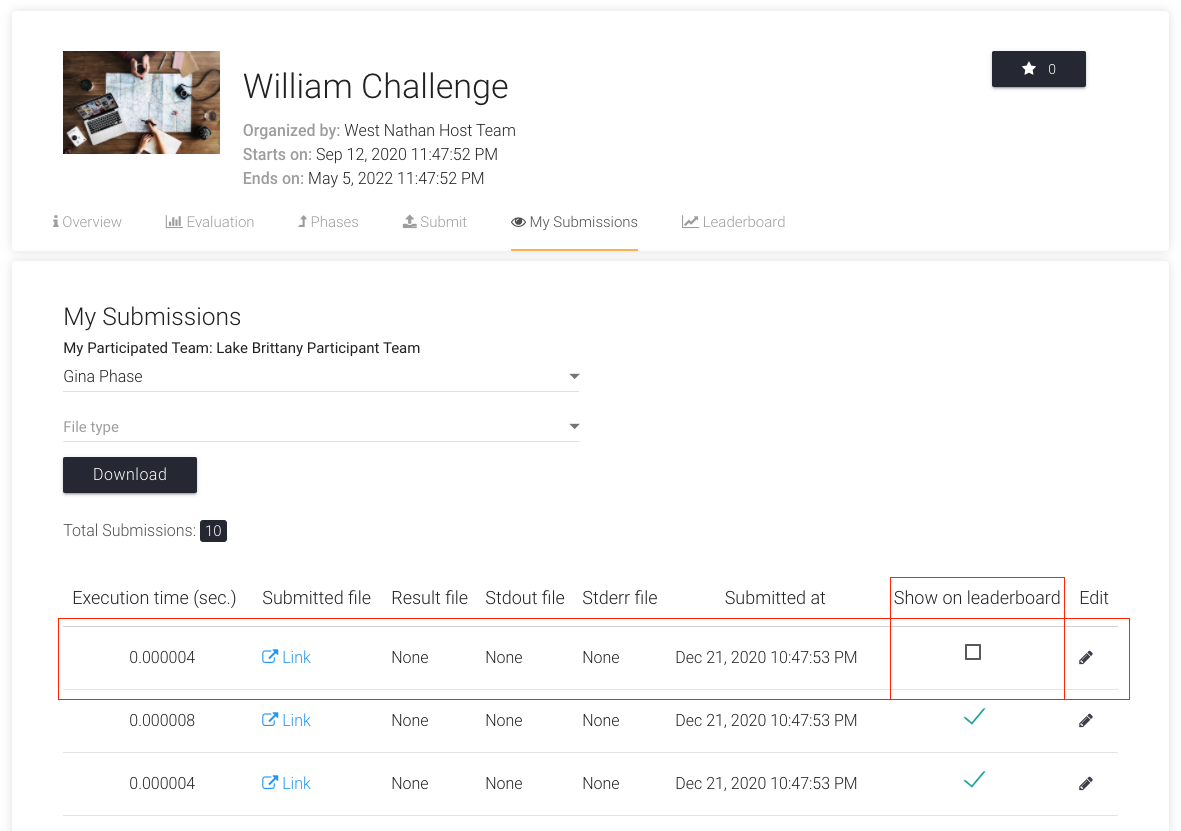
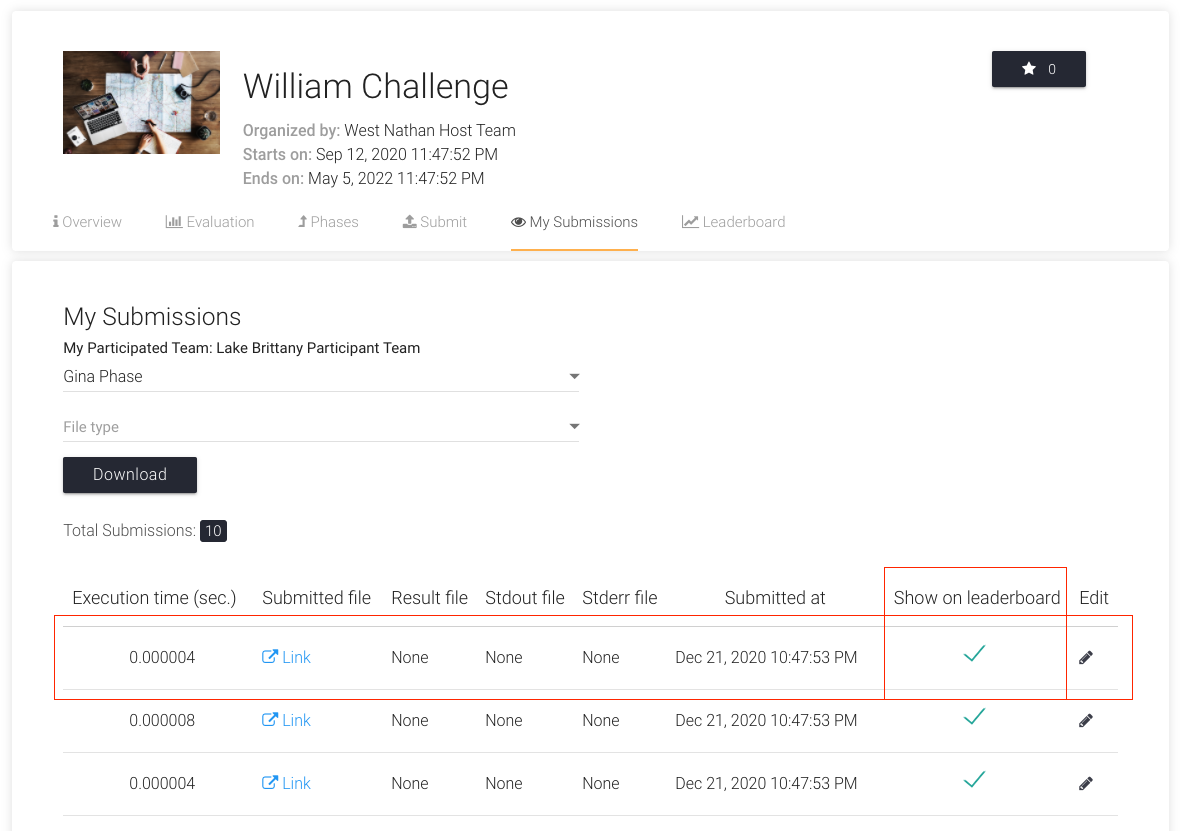
Now, to make the first submission public, click on the checkbox under the column
Show on Leaderboard. It will turn into a green checkmark.